
The cameras on the bench
InfiRay .irg files, Hikmicro JPEGs, FLIR R-JPEG and AFF .img files, and DJI R-JPEGs, each detected from the bytes.
ToolsMeasurement

Radiometric thermal image viewer
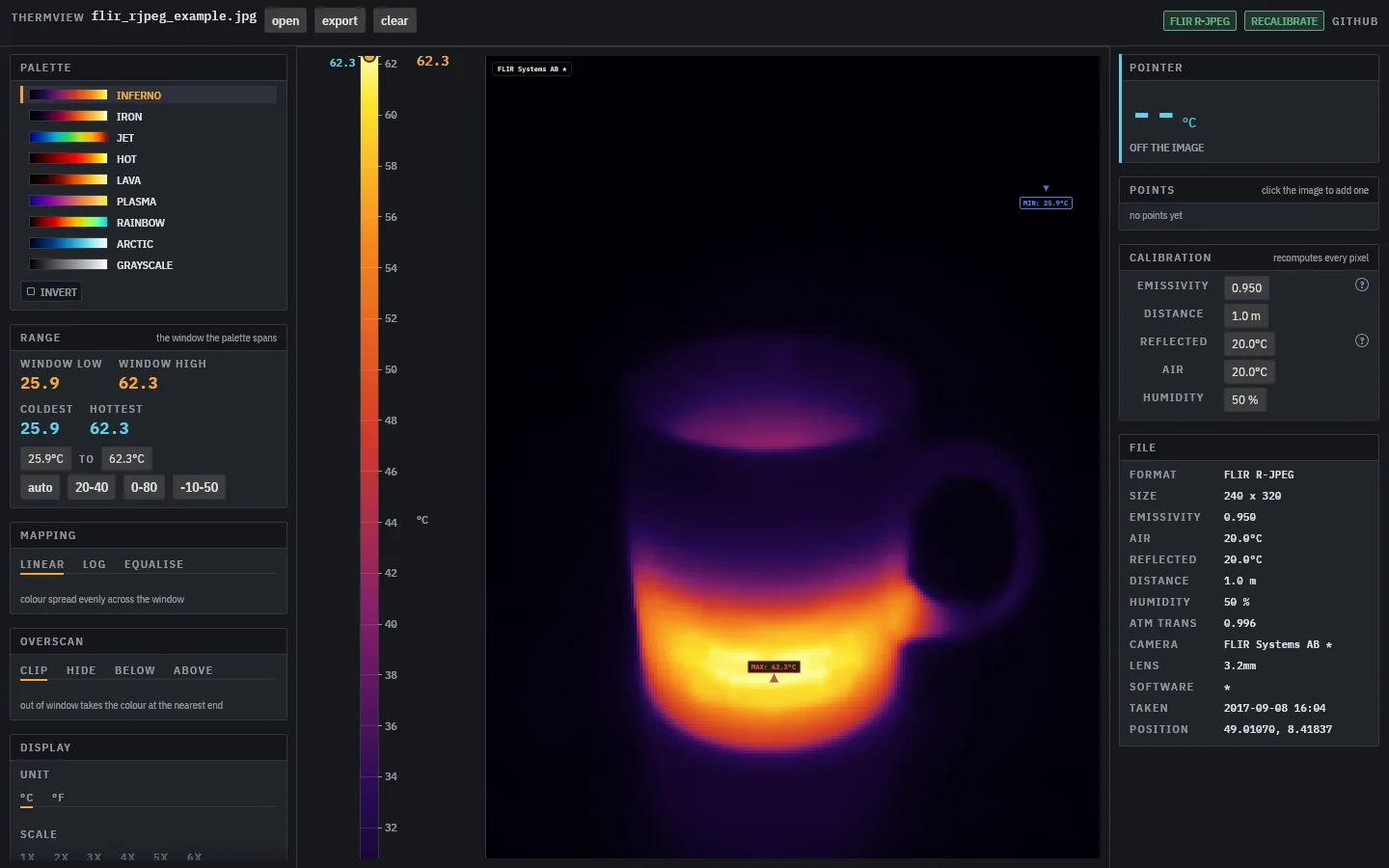
Open the radiometric files your thermal camera writes and read temperatures off them: spot readings, the hottest and coldest pixel, and a colour scale you can window to the range that matters.
InfiRay .irg files, Hikmicro JPEGs, FLIR R-JPEG and AFF .img files, and DJI R-JPEGs, each detected from the bytes.
Click to place named spot readings, read the pixel under the pointer, and see the hottest and coldest points marked live.
For FLIR files, change emissivity, distance, reflected and air temperature and humidity, and every pixel is computed again.
Nine palettes with histogram equalisation, and a PNG with every marker and label on it, from the window or the command line.
InfiRayHikmicroFLIRDJI
.irg.jpg.img.seq
Drop one of these on the Bench Suite window and it opens here.
